Thu 26 Nov 2026 · 10:24 · 1 min read
Notifications and Email Subscribers on Adyli: What Pings You and How Readers Subscribe
Adyli tells you when a draft is ready, when a post goes live and when something needs attention. Readers can subscribe by email with double opt-in. Here is how both work, and what the public blog includes.
When an agent writes the posts, the main question becomes how you find out. You do not want to open the app to check an empty queue. Adyli notifies you, and it gives your readers a way to follow along by email.
Notifications
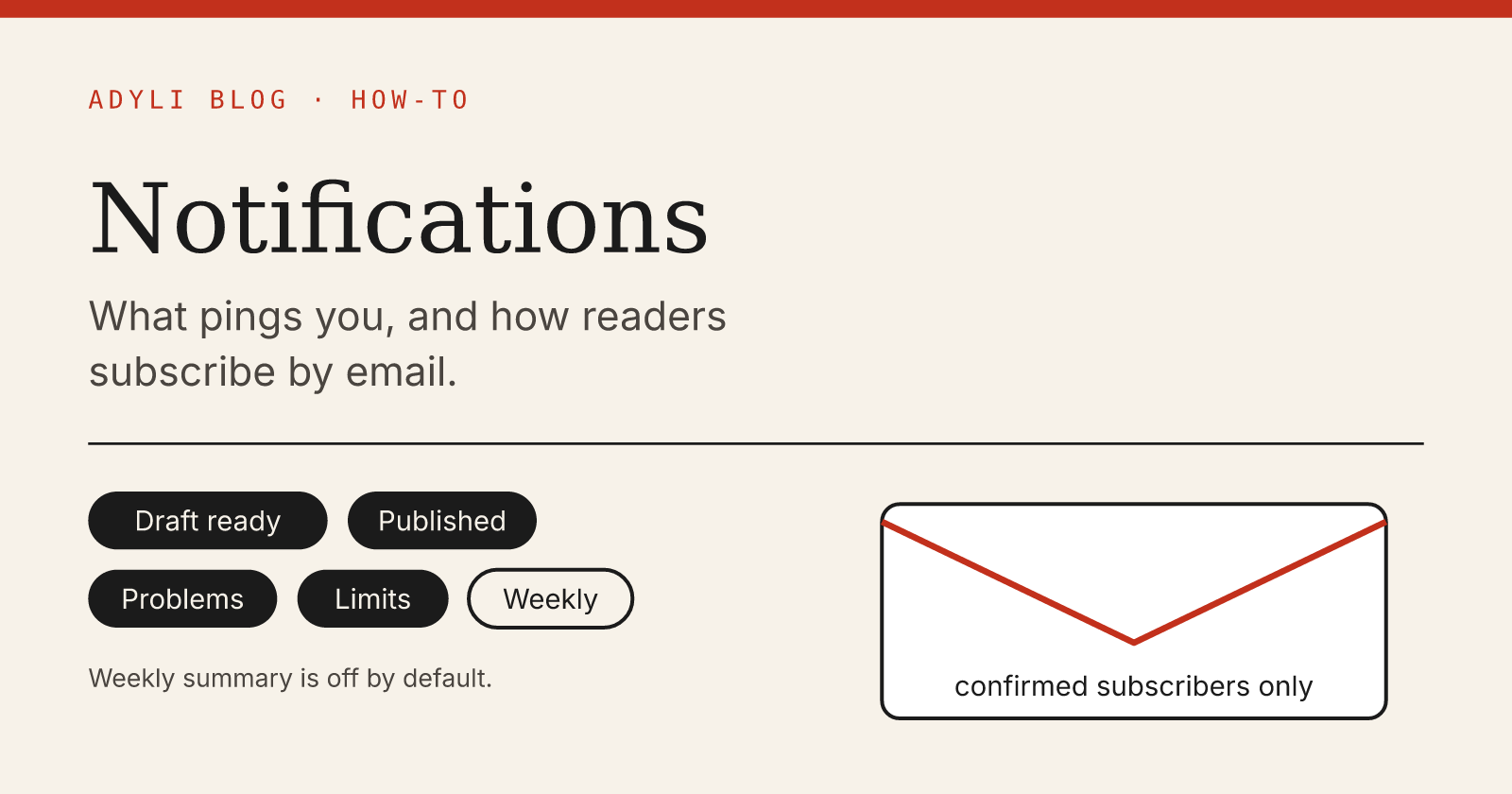
Open Notifications. You can filter by all or unread, and Mark all as read clears the count. Adyli notifies you when:
- Draft ready: a draft is waiting for you.
- Published: a post went live.
- Problems: something needs attention.
- Limits: you are close to a plan limit.
- Weekly: a weekly summary email. It is off by default.
Brand brief suggestions from your agent also show up here. On the Notifications page you choose which kinds you receive.
Email subscribers
Readers can subscribe on the public blog.
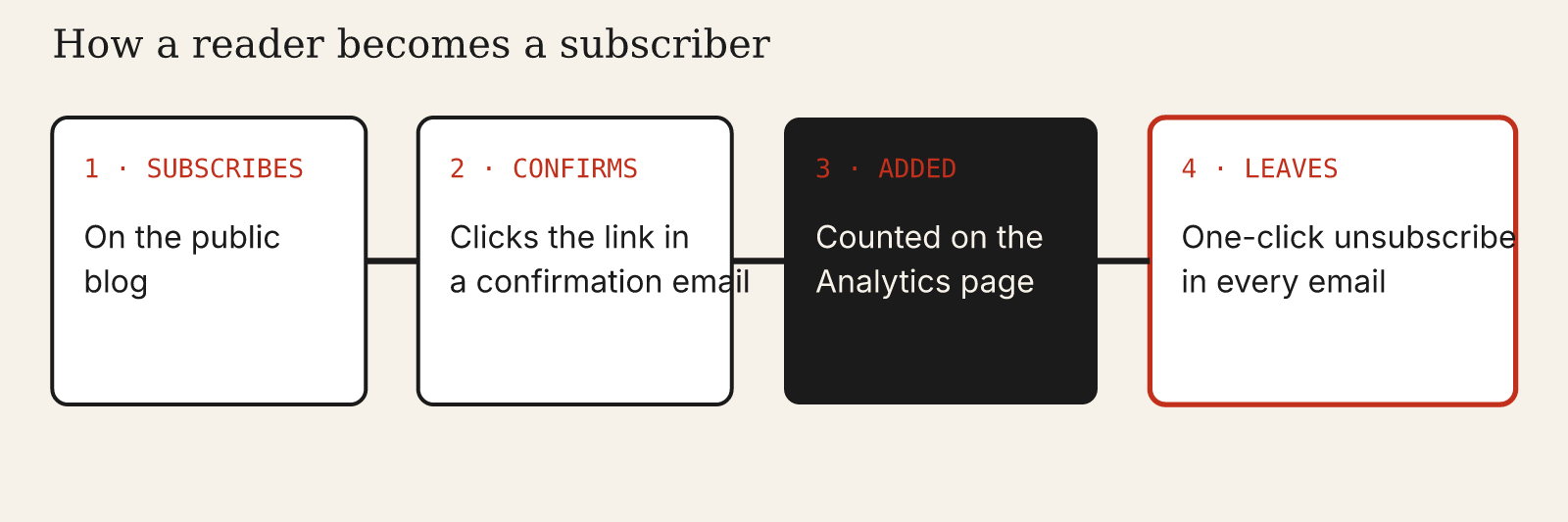
- Double opt-in: a reader confirms by email before being added.
- One-click unsubscribe is included in every email.
- Per post: turn on Email it to subscribers when it's published in the post's settings. Only confirmed subscribers receive it.
- The subscriber count shows on Analytics.
What else the public blog includes
You get these without any setup:
- An RSS feed at
/feed.xml. - An archive page listing every post.
- Tag pages.
- A sitemap at
/sitemap.xmland a properrobots.txt. - Next and previous links, and related posts, on every post page.
Next step
Open Notifications and decide which kinds you want by email. Then open a post's settings and decide whether it should email your subscribers.
Sources