Thu 26 Nov 2026 · 10:24 · 1 min read
Export Your Adyli Blog: Every Post as Markdown, With Sources and an Image List
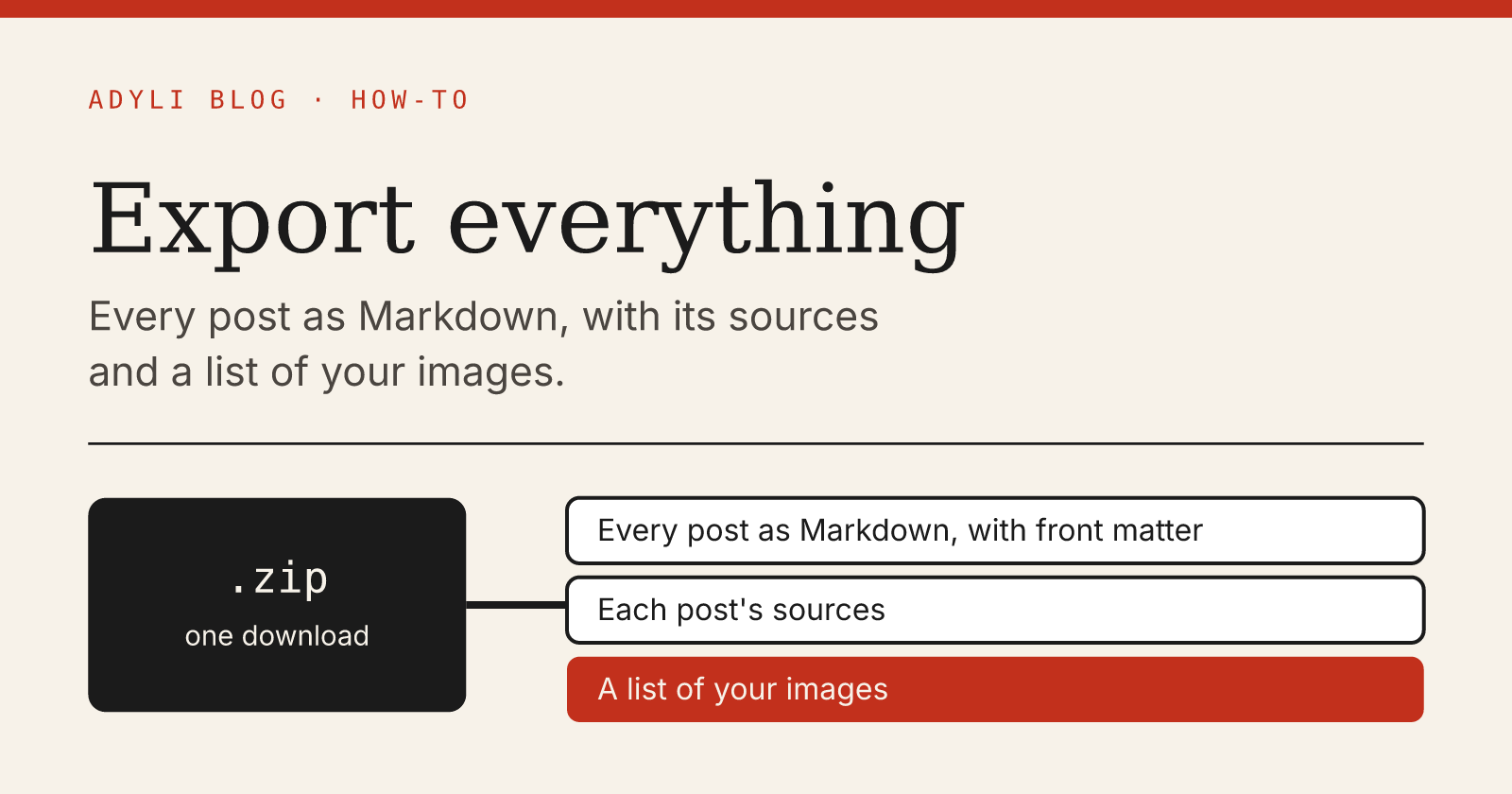
One button downloads a zip of every post as Markdown with its front matter and sources, plus a list of your images. Use it before you move or delete a blog, or any time you want a copy.
A hosted blog is only comfortable to build on if you can leave it. Adyli makes that a single button, so your posts are never locked in.
How to export
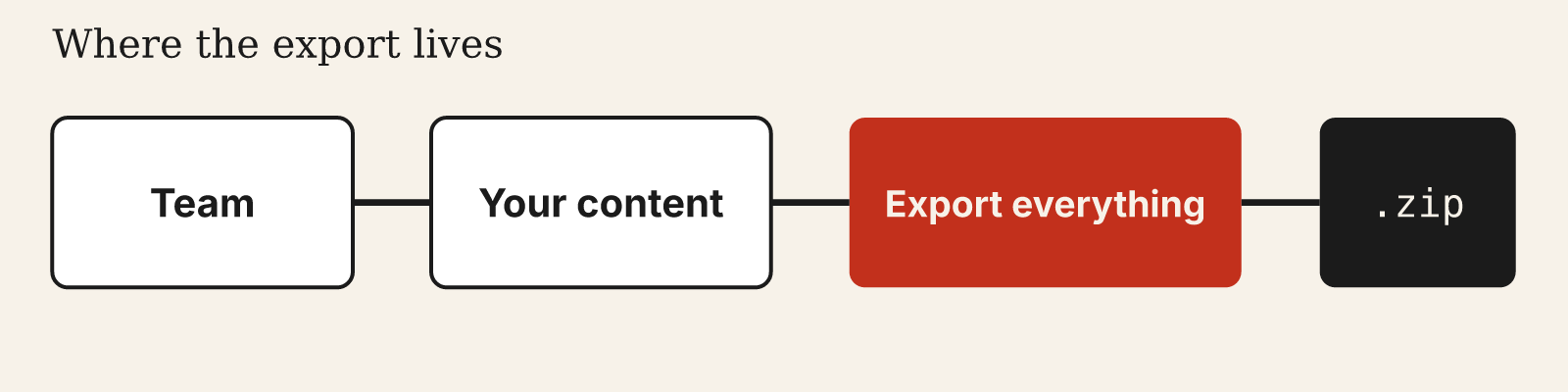
Go to Team, then Your content, and choose Export everything.
What is in the zip
- Every post as Markdown, with front matter: title, dates, tags and slug.
- Each post's sources.
- A list of your images.
Markdown is plain text that most blog engines, static site generators and note apps can read.
When to do it
Export any time, for example before you move to another platform or before you delete a blog. Delete this blog is permanent, so export first.
Revisions and the brand brief
Post revisions and brand brief history are kept for as long as the post or blog exists. Restoring a version never destroys the current one.
Privacy
- Analytics use no cookies and store no personal data.
- Research respects each site's robots.txt.
- Agent connections can be revoked in one click on Connect.
Next step
Run one export now and open the zip. It is the quickest way to confirm that your posts, sources and image list came through the way you expect.
Sources
- Adyli export and data guide · ady.li