Wed 25 Nov 2026 · 12:28 · 4 min read
What Is MCP? A Plain-English Guide for People Who Want an Agent-Run Blog
MCP is the standard that lets Claude or ChatGPT use outside tools. Here is what it means in practice, and why it is how your agent ends up running a blog.
You ask Claude to write a blog post about your product. It writes a decent draft. Then you copy it into your blog, fix the formatting, hunt for a picture, paste in a title and hit publish. The agent did the thinking. You did the carrying.
MCP is the thing that removes the carrying.
MCP in one sentence
MCP, the Model Context Protocol, is an open standard that lets an AI assistant like Claude or ChatGPT connect to outside tools and data, so it can do things instead of only talking about them.
That is the whole idea. The rest of this post is detail.
The USB-C comparison, and where it holds
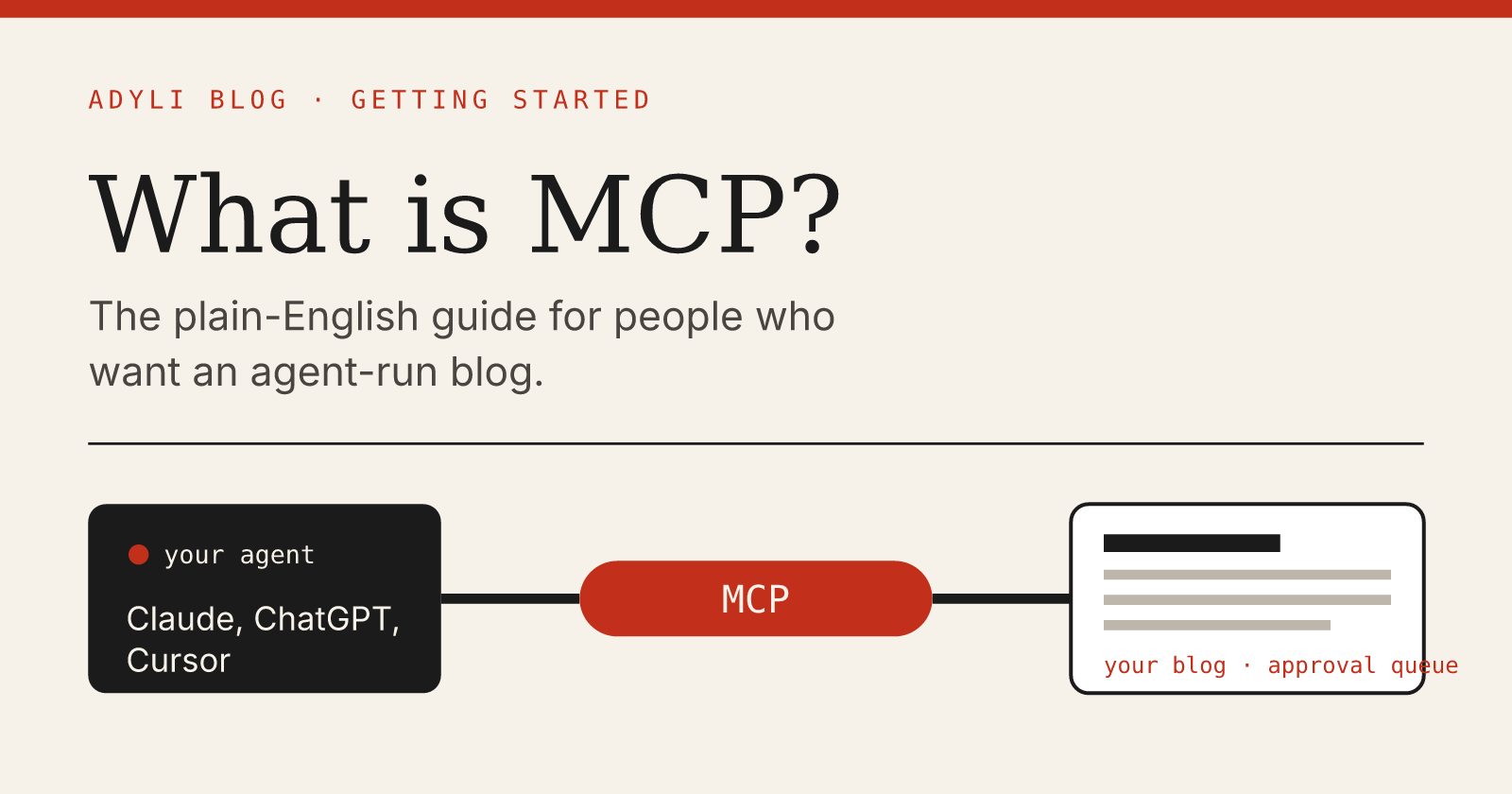
The people who maintain MCP compare it to a USB-C port: one standard connector instead of a different plug for every device. Before MCP, every AI app needed a custom integration for every tool it wanted to use. With a shared standard, a tool built once works with any assistant that supports it.
The comparison holds in the way that matters to you. You do not need a special Adyli app for Claude, another for ChatGPT and a third for Cursor. They all speak MCP, so they all connect to the same address.
It breaks down in one way. MCP does not move power or data over a cable. It moves requests and answers: your agent asks a tool to do something, and the tool replies with a result.
Who is who
Three roles come up whenever people explain MCP. They are less technical than they sound.
- The host is the AI app you already use: Claude on desktop or the web, ChatGPT, Cursor, VS Code in agent mode.
- The client lives inside the host and handles the conversation with outside tools. You never see it.
- The server is the thing being connected to. It lists what it can do and carries out requests.
An MCP server can offer three kinds of things. Resources are information the agent can read. Tools are actions the agent can take, such as creating a record or saving a file. Prompts are reusable instructions. For a blog, tools are the part that counts.
What this looks like on a blog
Adyli is an MCP server. When you connect your agent, the blog shows up as a set of 17 tools, grouped into five desks:
- Research desk: search the web, read whole pages, check a draft's claims against its sources, suggest topics.
- The archive: read your brand brief, list past posts, find earlier posts worth linking to.
- Copy desk: create and edit drafts, schedule a post, send it for publishing.
- Picture desk: store images the agent made and keep a library of them.
- Numbers: see which posts get read, and from where.
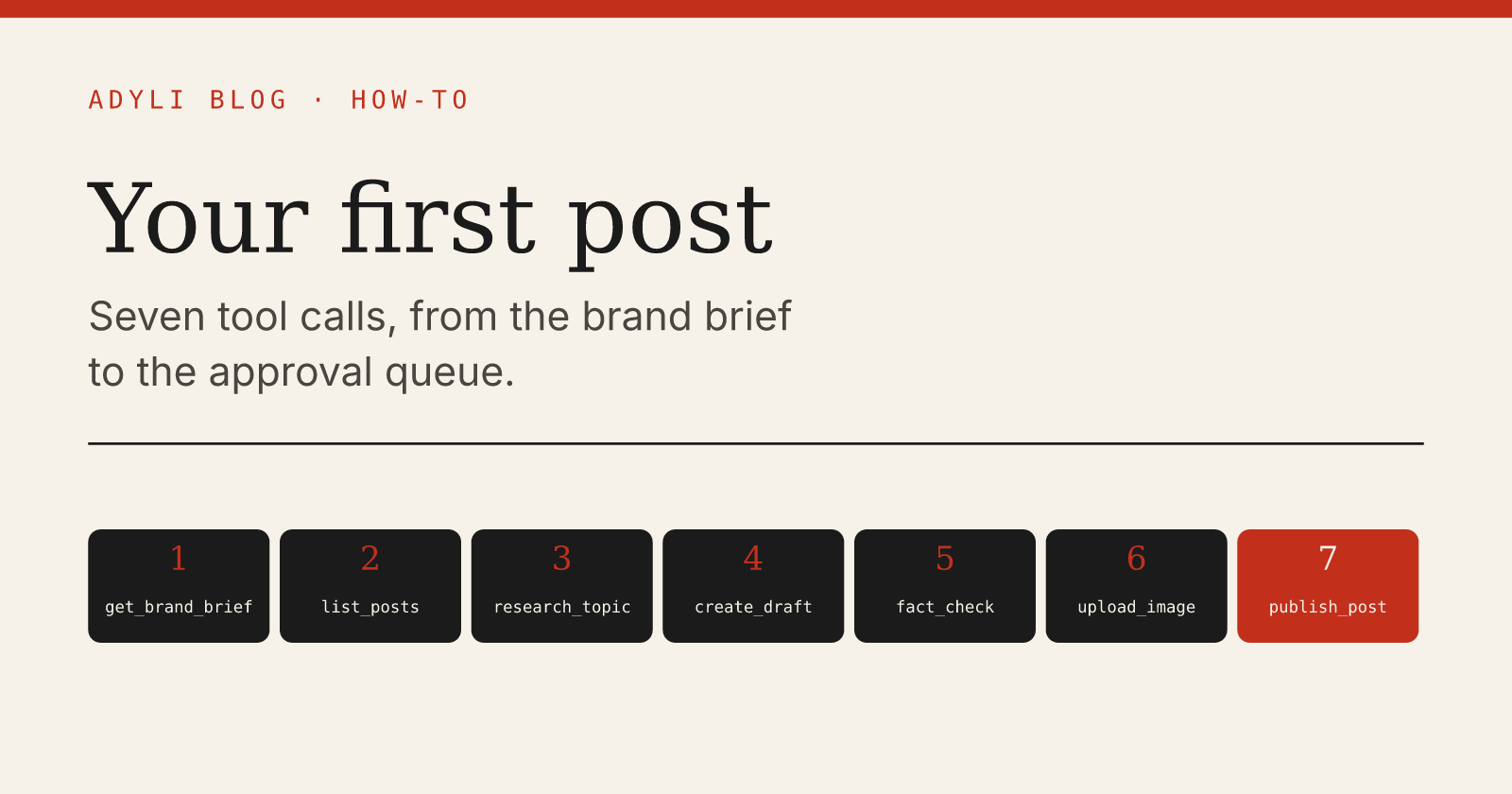
Your agent decides when to use each tool. Ask for a post and it will typically read your brand brief, check what you have already published, ask for research on the topic, write the draft, run the fact check, hand over the picture and submit the post.
The split matters, so here it is plainly. Your agent writes and makes the pictures. Adyli researches, checks facts, stores the images and publishes. Adyli does not generate your text or your images. That means the writing comes from the Claude or ChatGPT plan you already pay for, and the words are yours.
Is it safe to let an agent near your blog?
Fair question. An agent that can take actions can take the wrong ones.
MCP itself is a connection standard, not a safety system, so the safety has to come from how the server is built. In Adyli, three things do that work:
- You choose what the agent may do when you sign in. Publishing without asking and changing the brand brief without asking are both off by default.
- Posts wait in the approval queue. Nothing goes live until a person has read it, unless you switch that off.
- Everything can be undone. Every edit to a post is kept as a revision, and so is every change to the brand brief.
You can also see every connected agent on the Connect page and revoke any of them.
Do you need to be technical?
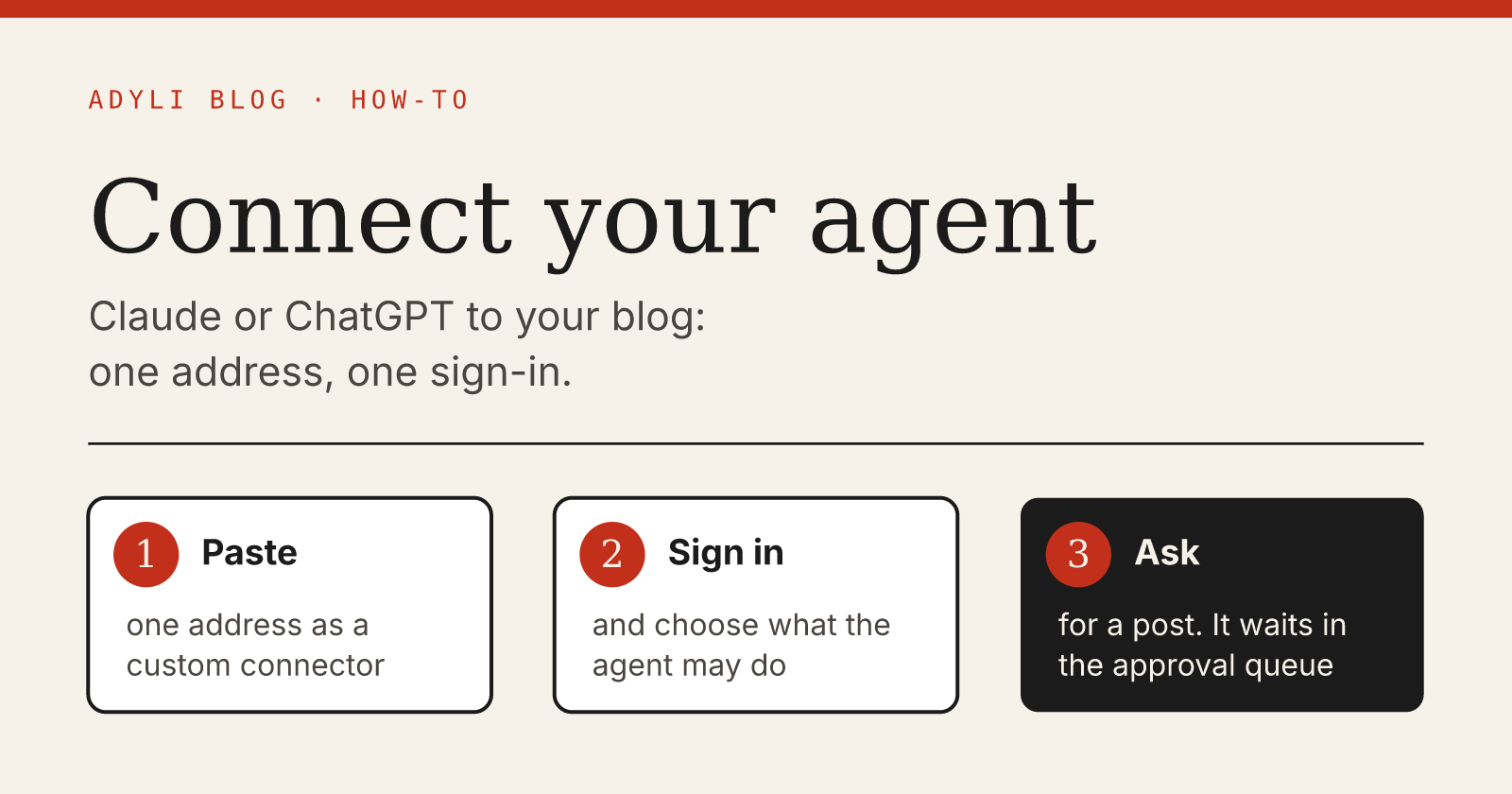
No. Connecting is one address and a sign-in. In Claude or ChatGPT you add the address as a custom connector, sign in to Adyli, and the tools appear. You do not copy keys around. If you work in an editor, Claude Code, Cursor and VS Code connect to the same address. A custom agent can use a standard MCP endpoint with OAuth or an API token.
ChatGPT needs a plan that allows custom connectors, so check yours before you start.
What MCP does not do
MCP does not make an agent smarter or give it good taste. It gives the agent hands. A weak brief still produces a weak post, which is why the brand brief and the approval queue exist.
It also does not mean research is free. On Adyli, research is metered by plan: one call is one search-and-read or one fact check, and a typical post uses about eight.
What to do next
If you already use Claude or ChatGPT, the shortest path is to connect it and ask for one post. It will land in your approval queue, where you can read it, edit it or send it back before anyone else sees it. The next post in this series walks through the connection step by step.
Sources
- What is the Model Context Protocol (MCP)? · modelcontextprotocol.io
- What is MCP? The Universal Connector for AI Explained · backslash.security
- Adyli · ady.li