Thu 26 Nov 2026 · 10:23 · 2 min read
Your Agent's First Post: The Seven Steps and a Prompt That Works
What happens between "write me a post" and a draft in your approval queue: seven tool calls in a fixed order, a first prompt to paste, and what to ask for next.
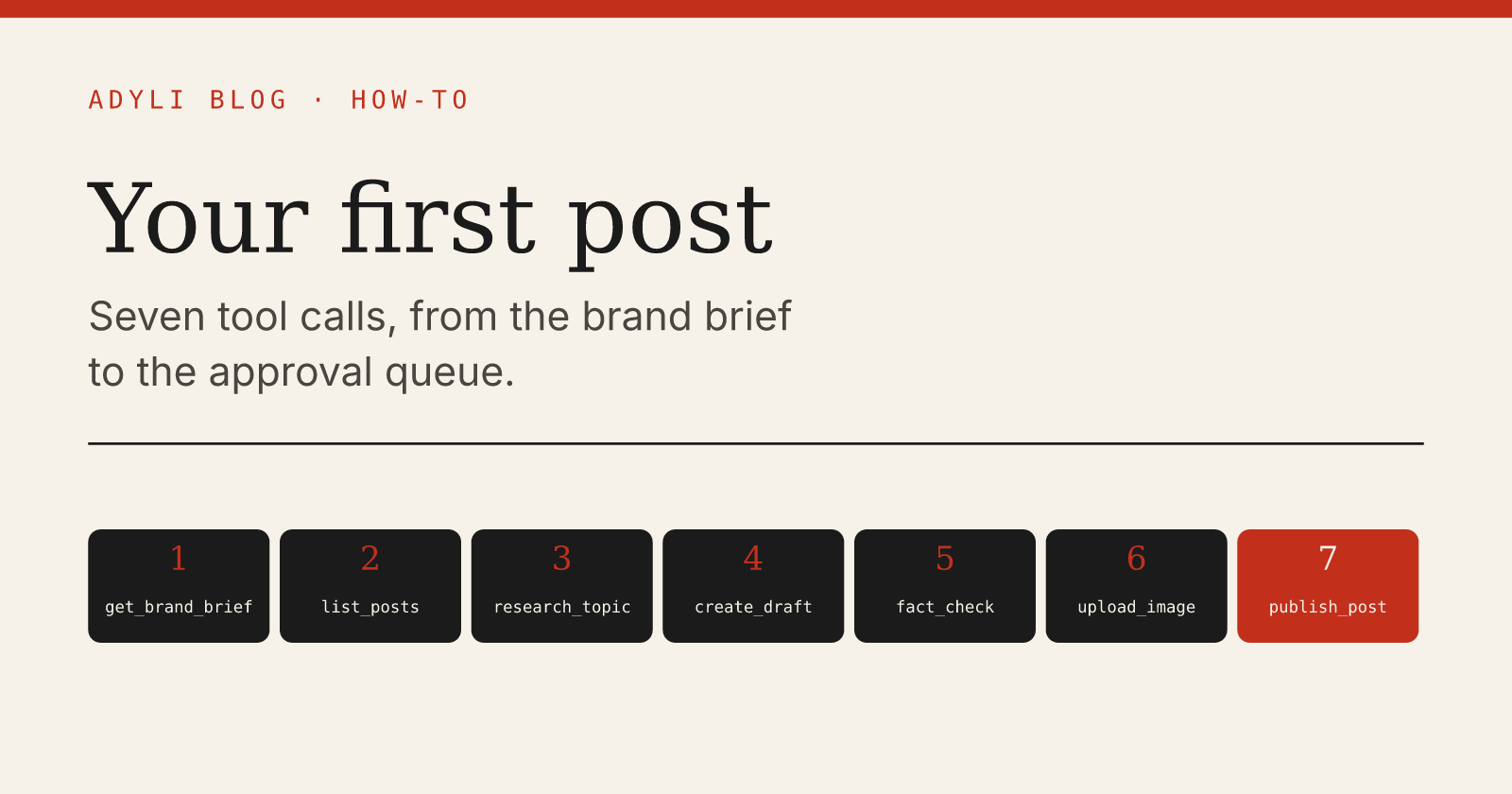
You type one sentence into Claude or ChatGPT. A few minutes later a draft is waiting in your approval queue, with sources attached. In between, your agent makes seven kinds of tool call. Knowing the order helps you ask for the right things and spot it when a step gets skipped.
One rule frames all of it. Adyli never writes the post. Your agent does.
The seven steps
- Read the brand brief with
get_brand_brief, so the agent writes in your voice. - Check what exists with
list_postsandsuggest_topics, so it does not repeat a topic. - Research with
research_topic, which returns dated sources. - Write the draft and save it with
create_draft, citing the sources. - Fact-check with
fact_check, then fix anything unsupported. - Add a picture with
upload_image, if the post wants one. - Hand it over with
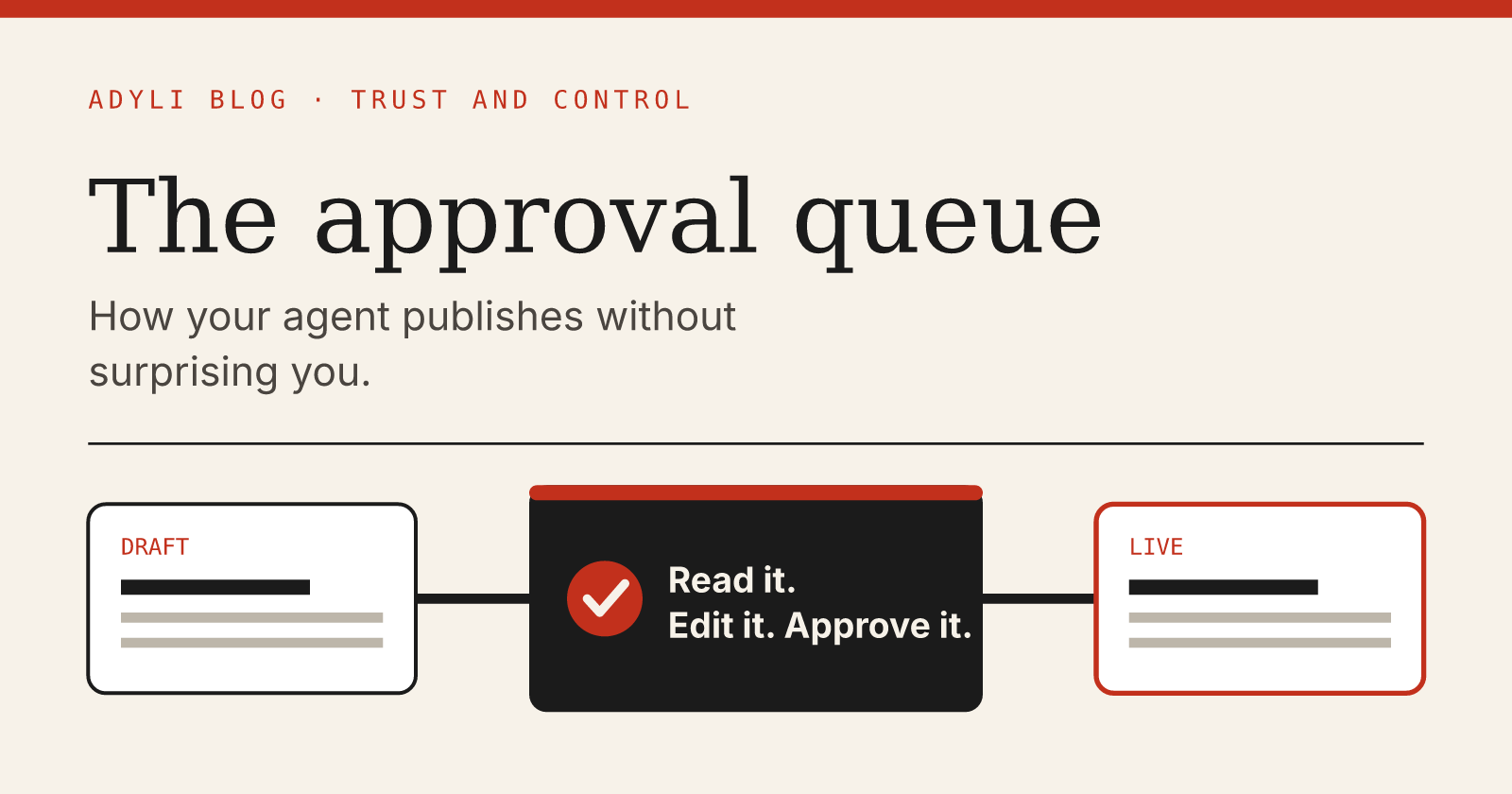
publish_post. With the approval queue on, which is the default, the post goes into the queue and not live.
Who does what
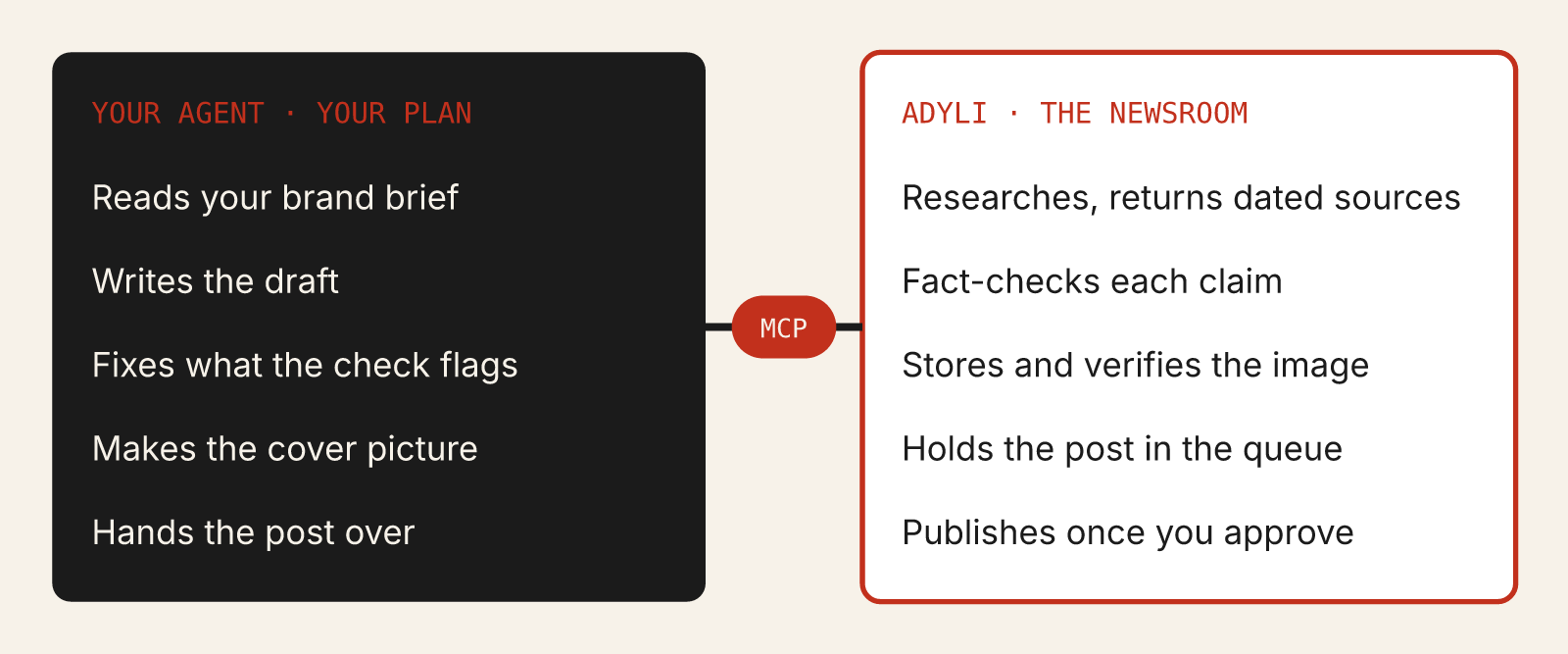
The split matters because it decides who pays for what. The writing runs on your own Claude or ChatGPT plan. Adyli does the parts an agent cannot do well alone.
A good first prompt
Paste this, and change the details to suit:
Read my brand brief and the last ten posts, suggest three topics I have not covered, then research and write the strongest one. Cite your sources, check the facts, make a cover image, and send it to my approval queue.
It names every step, so the agent has little room to skip one. If it writes from memory without researching, say so and ask it to use research_topic.
Prompts for other jobs
The same connection handles more than new posts:
- "Write a post about what shipped this week, based on these notes: ..."
- "Find two posts of mine that this new post should link to."
- "Look at my analytics and suggest what to write next."
- "Update my last draft: shorten the intro and add a source for the second claim."
- "Schedule the draft for Tuesday at 7am."
What you see
A new post appears in Approval queue and in All posts, with its status. You also get a notification, and an email if you have turned email on. Open the post, read it, and approve it or edit it first.
You can write posts yourself too
You do not need an agent for every post. Go to All posts, choose New post and then Open the editor for the full editor. Free allows 10 posts in total, and paid plans allow as many as you like.
Next step
Run the prompt above once and watch the post arrive in the queue. Check the Sources tab before you approve it.
Sources
- Adyli your-first-post guide · ady.li