Thu 26 Nov 2026 · 10:23 · 2 min read
Brand Brief on Adyli: Teach Your Agent Your Voice and Review What It Suggests
The brand brief tells your agent how your blog sounds. Here is how to teach it from your own posts, test the result, review your agent's suggestions field by field, and restore an earlier version.
A post that is accurate but sounds like nobody in particular is a common complaint about agent-written blogs. The fix is not a better prompt each time. It is a brief your agent reads before every post.
On Adyli that is the brand brief. Open Brand brief from the Agent group in the menu.
What is in it
- What Adyli learned: who the blog is for, how it sounds, how long sentences run, what the writing does and never does, and a few sentences that sound right.
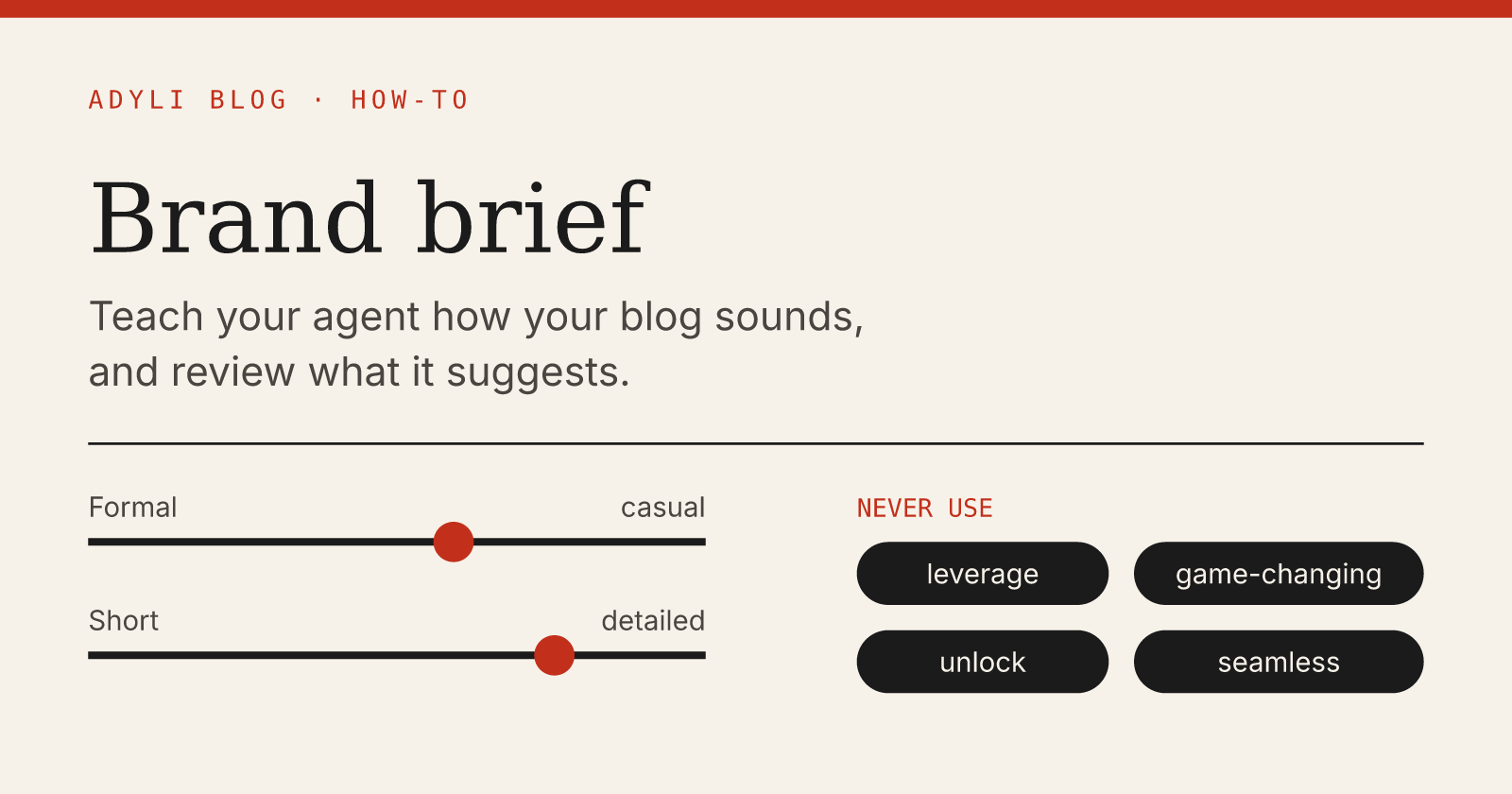
- Tone and words: a Formal to casual slider, a Short to detailed slider, and Always use and Never use lists, with words separated by commas.
- Sample posts: posts of yours that show your voice.
- Trusted sources: addresses that research reads first.
- History: every previous version of the brief.
Teach it your voice
- Under Sample posts, add a post by address (a link) or by pasting its text.
- Add two or three.
- Press Learn my voice. The result fills in the summary and the sentences.
- Edit anything that does not sound like you.
Learn my voice uses one AI edit from your plan. Writer includes 20 a month, Desk 50 and Newsroom 200, and Free includes none, so check the count on the Billing page.
Test it
Under Test my voice, type a topic, for example "Onboarding emails", and read the sample it produces. This also uses one AI edit. If the sample is off, adjust the sliders and the word lists, then test again.
Let your agent suggest a voice
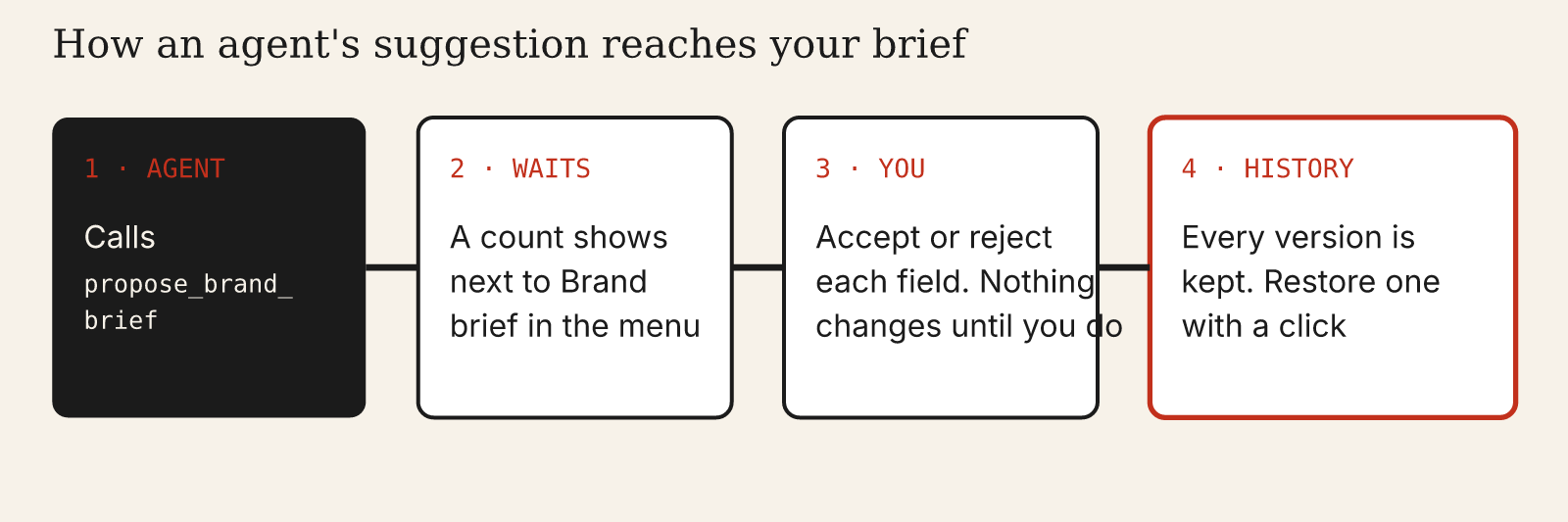
If you would rather not do it by hand, ask your agent: "Read my website and suggest a brand brief for my Adyli blog." It calls propose_brand_brief with fields such as summary, audience, sentence length, habits, things to avoid, sample sentences, always-use and never-use words, and trusted sources, plus a reason for each.
By default these suggestions wait for you. A count appears next to Brand brief in the menu. Open the page, review each field, and accept or reject it. Nothing changes until you accept.
Let it apply changes directly
When you connect an agent, you can allow Change the brand brief without asking. Suggestions then apply at once. It is off by default, and every change keeps the previous brief, so nothing is lost.
History and restore
Every change to the brief, yours or your agent's, stores the brief as it was. Open the history and restore a version. The current brief is kept too, so a restore can itself be undone.
Tips
- Put words you dislike in Never use, for example "leverage, game-changing, unlock, seamless".
- Keep the always-use list short and natural.
- Run Learn my voice again after you publish a few posts you are happy with.
Next step
Add two or three of your best posts under Sample posts, press Learn my voice, then read the result and cut anything that is not you.
Sources
- Adyli brand brief guide · ady.li