Thu 26 Nov 2026 · 10:23 · 2 min read
Post Settings and SEO on Adyli: Cover, Search Title, Meta Description and Indexing
The Settings tab on each post controls the cover, how the post looks in search results and when shared, who can see it, and whether subscribers get an email. Indexing for the whole blog starts switched off.
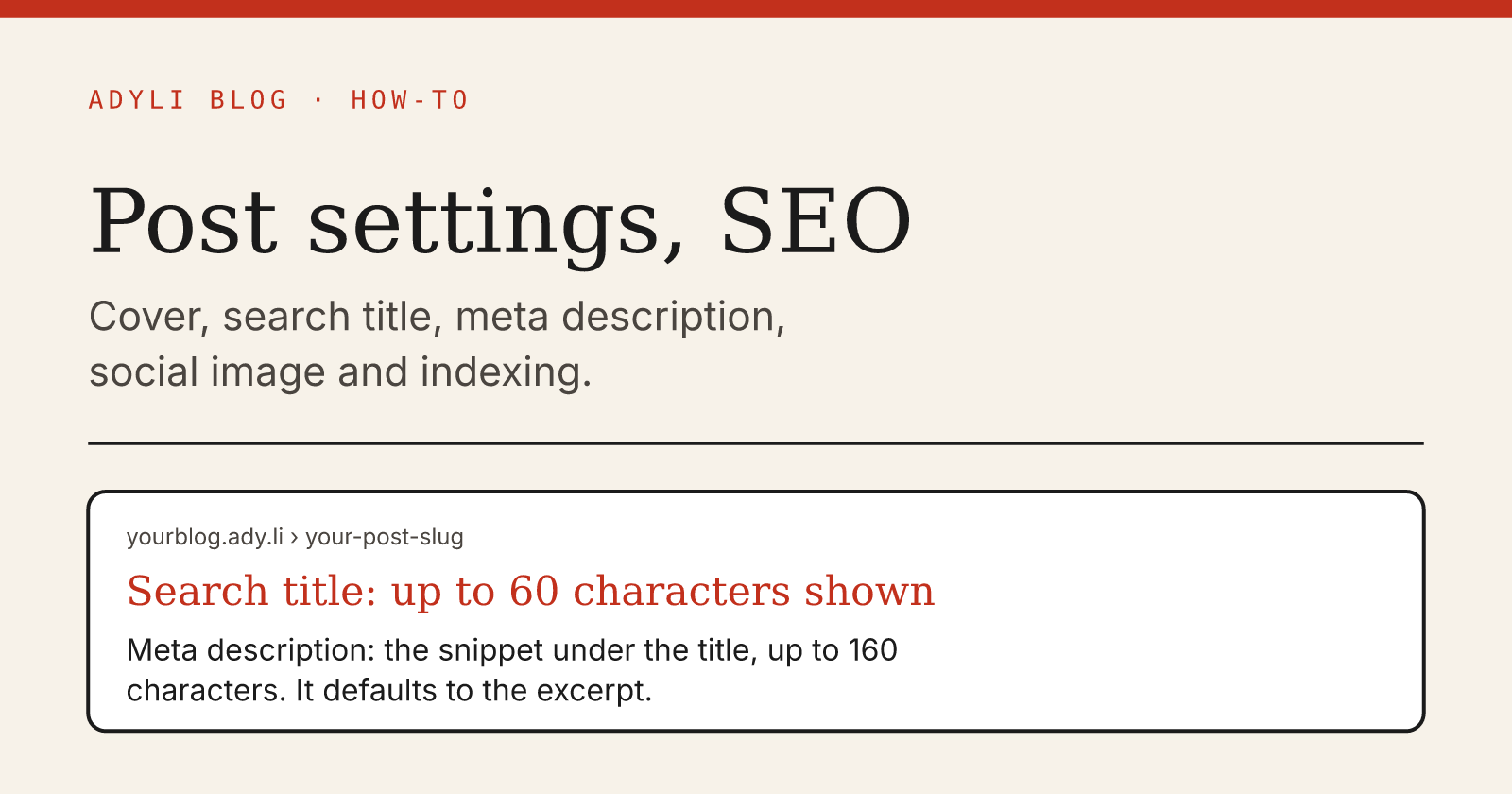
Two posts of equal quality can do very differently in search for a dull reason: one has a clear title and snippet and the other does not. The Settings tab on each post is where you control that.
Open a post and choose the Settings tab.
Cover image
- Cover image: choose one from the library, or upload one.
- Describe the image (alt text): always fill this in.
- Make one with AI: an optional hint. Leave it empty and Adyli picks a scene from the post. It uses one AI edit from your plan.
The cover is also the post's thumbnail.
Search and sharing
| Field | What it does | |---|---| | Search title | The title in search results. Up to 60 characters are shown. Defaults to the post title. | | Meta description | The snippet in search results. Up to 160 characters. Defaults to the excerpt. | | Social image | The picture used when the post is shared. Defaults to the cover. | | Canonical URL | Only if the post first appeared somewhere else. Leave it empty otherwise. |
Below the fields you will see a Search result preview and a Share preview, so you can check how the post will look before it goes out.
Organize and publish
- Publish time: in the blog's time zone. Approved posts publish at this time. Leave it empty to keep the post unscheduled.
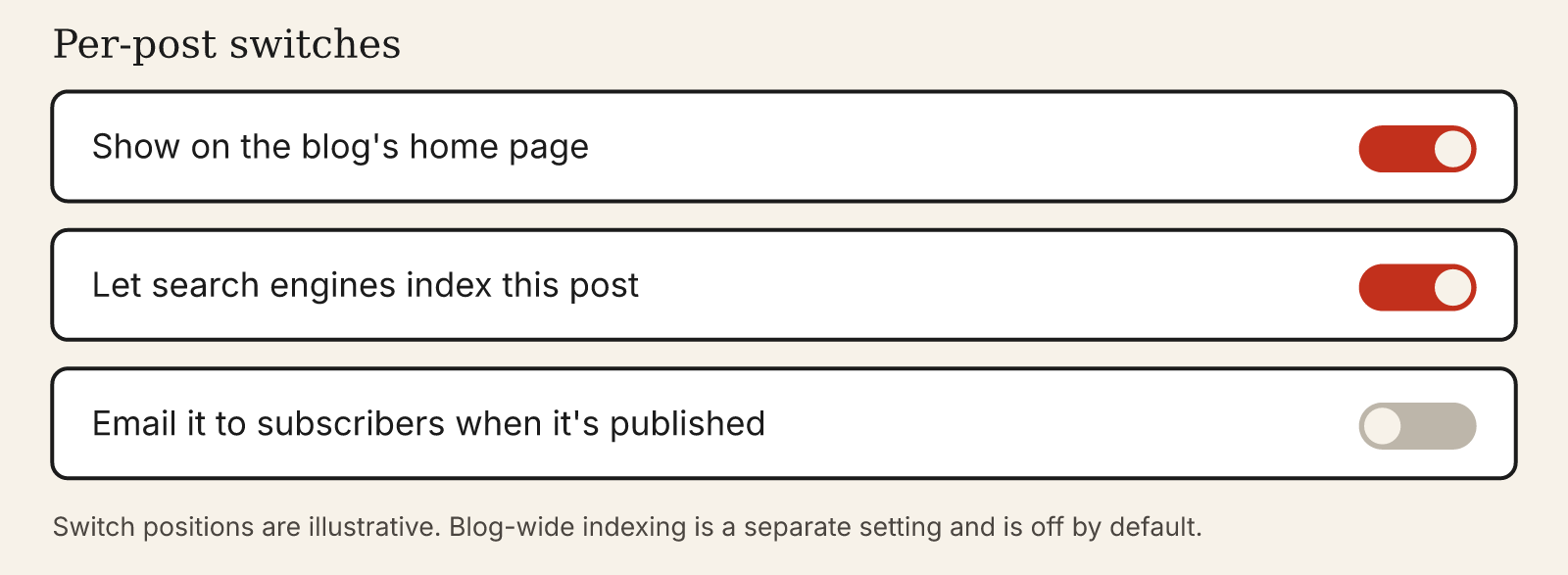
- Show on the blog's home page: turn it off to keep a post off the index while it stays reachable by link.
- Let search engines index this post: turn it off to ask search engines to skip it.
- Email it to subscribers when it's published: sends the post to confirmed subscribers.
Tags and the slug are set by your agent, or in the editor. If you change a published post's slug, Adyli adds a redirect automatically, so old links keep working.
Blog-wide SEO
The public blog includes a sitemap, an RSS feed, structured data, tag pages, an archive page and a robots.txt without any setup.
Indexing is off by default. In Team, under Blog settings, turn on Let search engines index the blog when you are ready for readers. The sitemap lists published posts that are not marked noindex. If your blog does not show up in search, check this switch first, then the post's own switch.
Tips
- Keep search titles under 60 characters and descriptions under 160.
- Use one clear tag set, because tag pages are built from your tags.
- Do not set a canonical URL unless the post truly lives somewhere else first.
Next step
Open your latest post, read its Search result preview, and rewrite the search title if it gets cut off.
Sources
- Adyli post settings and SEO guide · ady.li