Thu 26 Nov 2026 · 10:23 · 2 min read
Use Your Own Domain on Adyli: One DNS Record, Automatic HTTPS and Redirects
Every Adyli blog starts at name.ady.li. On a paid plan you can point your own domain at it with one DNS record, and Adyli sets up HTTPS. Here is the process, plus how redirects work and what to check if verification stalls.
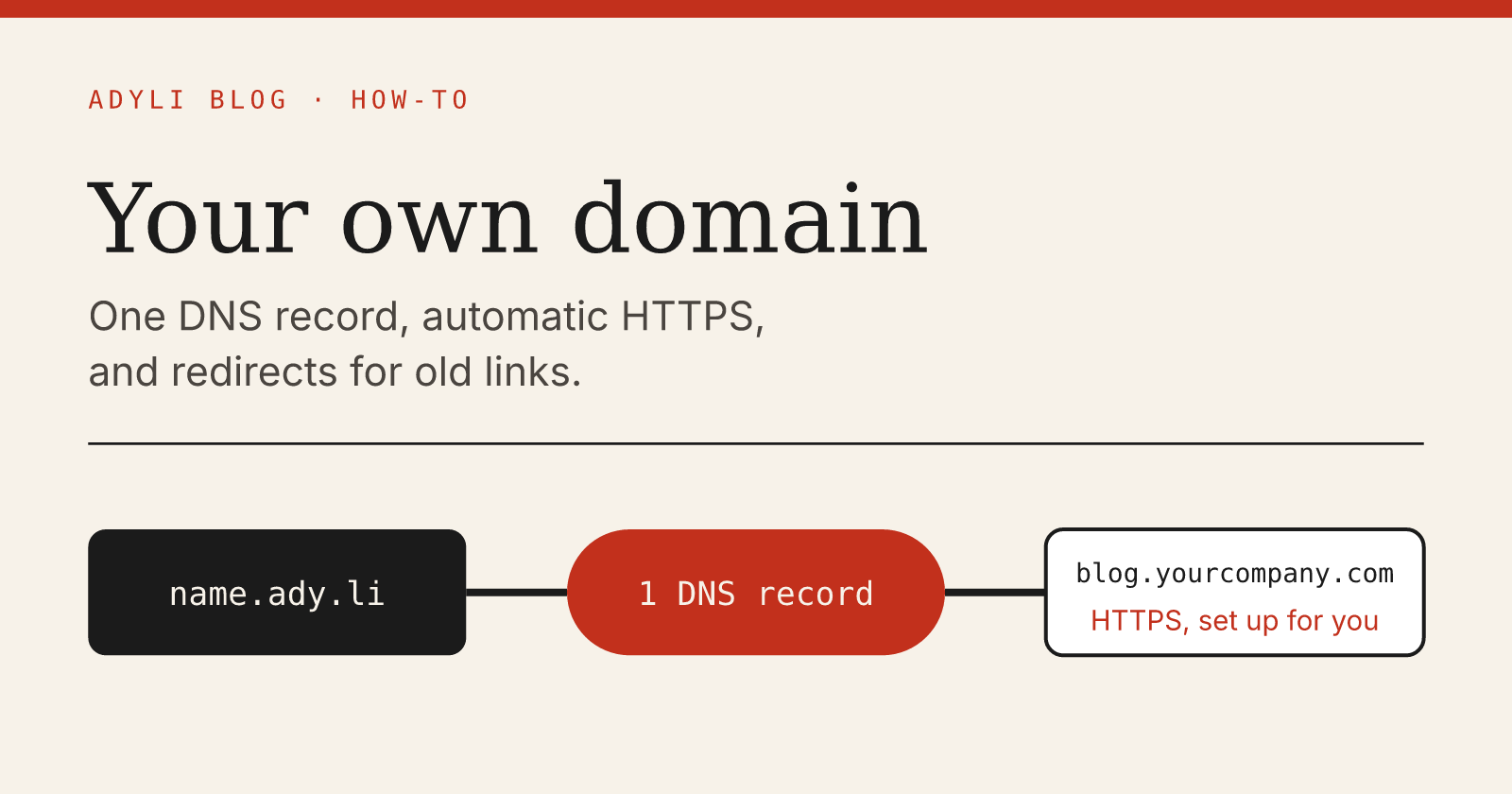
A blog on your own domain looks like yours, and it keeps your search history if you ever move platforms. Adyli keeps the setup to one DNS record. Open Domain under the Site group.
Your ady.li address
Every blog starts at name.ady.li, on every plan. You can change the name in Change your ady.li address. Do it early, before you share the address widely.
Use your own domain
Your own domain is available on Writer, Desk and Newsroom.
- Under Your domain, enter the address, for example
blog.yourcompany.com, and add it. - The page shows one DNS record. Add it where you bought the domain.
- If you use Cloudflare, set the record to DNS only (the grey cloud) until the domain is live.
- Wait. Changes usually show up within an hour. Adyli sets up the security certificate (HTTPS) for you.
Your ady.li address keeps working and redirects to your domain. If custom domains are not switched on for your installation, the page says so.
Redirects
Redirects send old links to new posts.
- Under Redirects, enter the old path, for example
/old-post, in from. - Enter the new path, for example
/new-post, or a full address in to. - Choose Add redirect.
You do not need to do this when you change a published post's address. Adyli adds that redirect automatically.
If the domain will not verify
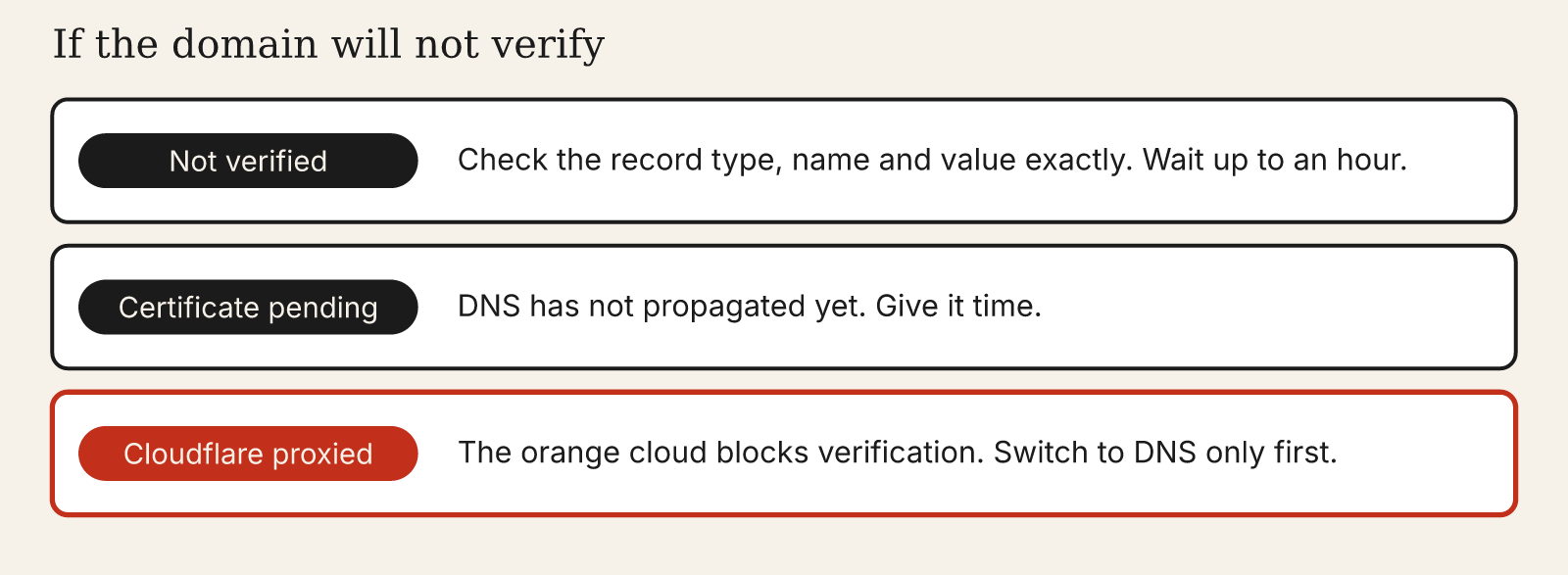
- "Not verified": check the record type, name and value exactly, then wait up to an hour.
- Certificate pending: DNS has not propagated yet. Give it time.
- Cloudflare proxied (orange cloud): this blocks verification. Switch the record to DNS only first.
Next step
If you are on a paid plan, add blog.yourcompany.com under Your domain and copy the record it shows. If you are on Free, change your ady.li name to something you will keep.
Sources
- Adyli domain and redirects guide · ady.li