Thu 26 Nov 2026 · 10:23 · 1 min read
Team and Blog Settings on Adyli: Roles, Publishing Days, Multiple Blogs and Deleting a Blog
The Team page holds your details, the blog's name and publishing schedule, the search indexing switch, invitations and roles on Newsroom, and the export and delete buttons. Here is what each one does.
Most blog settings are things you set once and forget, which is why they are easy to leave wrong. The Team page, under the Account group, collects them in one place. Two of its switches matter most for a new blog: the publishing schedule and search indexing.
Your details
The page starts with your name and the email you sign in with. To change the email, contact support.
Blog settings
Only the blog owner can change these.
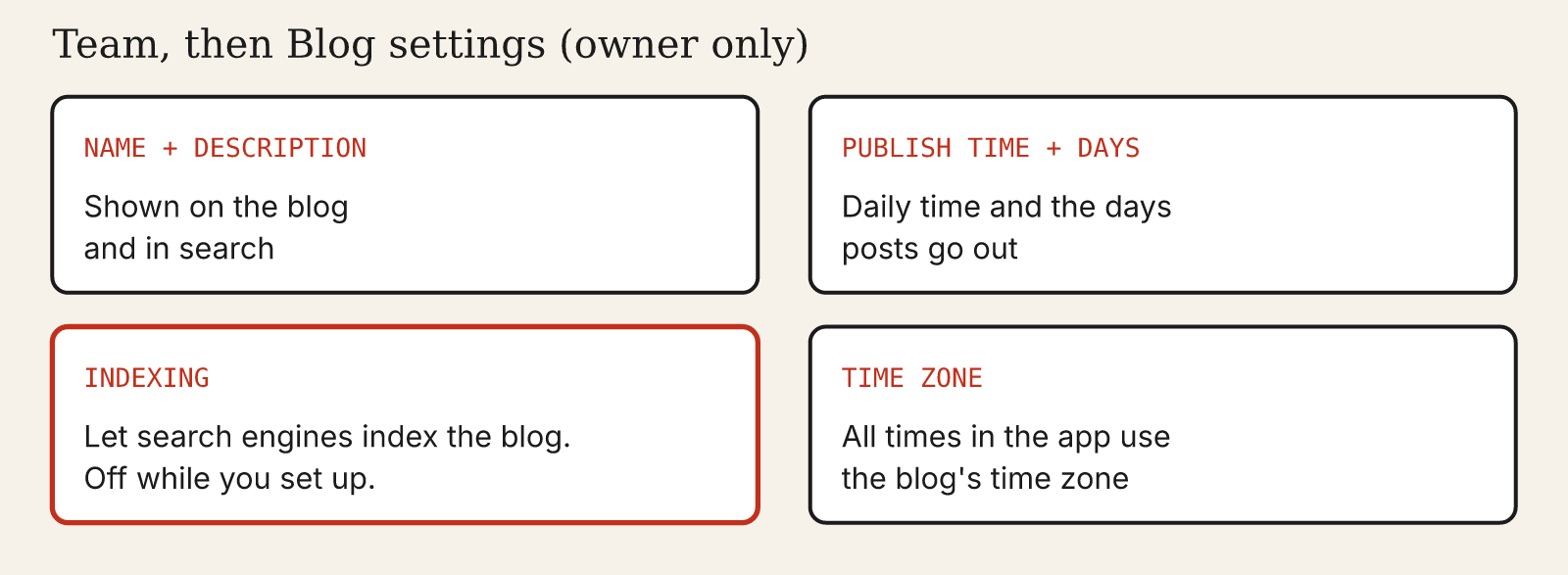
- Name and description, shown on the blog and in search.
- Daily publish time and publishing days, in the blog's time zone.
- Let search engines index the blog. It is off while you are setting up. Turn it on when you are ready for readers.
- Time zone.
Invite people
Plans with more than one seat can invite others. That means Newsroom, with up to 5 seats.
- Enter the person's email under Invite.
- They receive an invitation that expires. Pending invitations show "Invited · expires".
- They open the link, sign in and join.
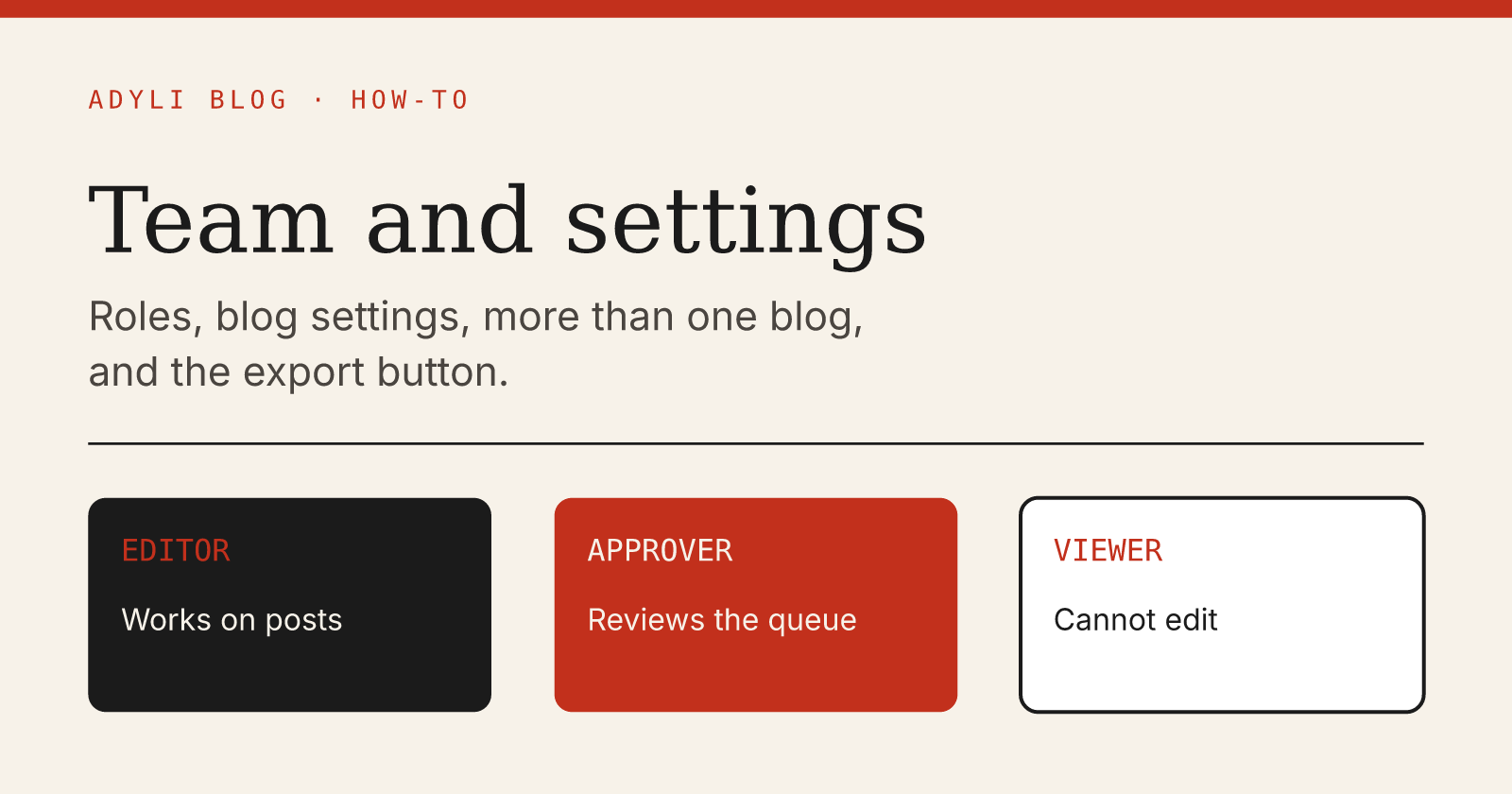
There are three roles: editor, approver and viewer. Viewers cannot edit.
More than one blog
Newsroom allows up to 5 blogs. Create another from the blog switcher with New blog. Each blog has its own agent connections, posts and settings.
Export everything
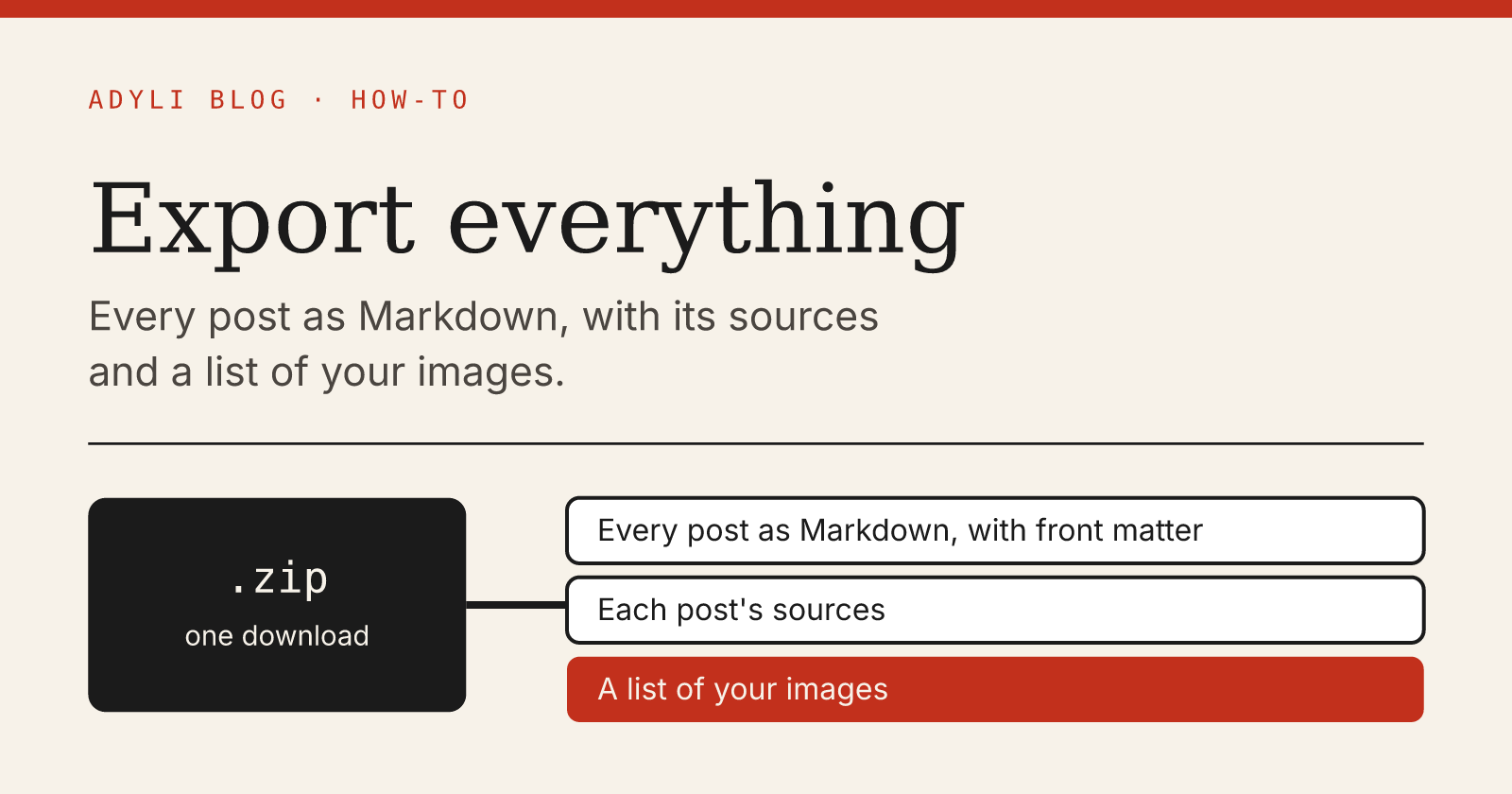
Under Your content, Export everything downloads a zip of every post as Markdown with front matter, sources and a list of your images. It is yours, and there is no lock-in.
Delete the blog
Delete this blog is permanent. Export first.
Next step
Open Team and check the publish time and days. Switch on Let search engines index the blog only when the first posts are ready to be found.
Sources
- Adyli team and blog settings guide · ady.li